Sergward compared with Uptime Kuma, Zabbix, PRTG and Fivenines
Uptime Kuma is a free tool you run yourself for websites and ports. Zabbix and PRTG are broad platforms, the first free to run on your servers and the second priced by sensors. Fivenines is the closest cloud alternative. Sergward is a cloud service for MSPs that watches servers, network devices, Proxmox, websites and backups, with a space per customer.
Free during the beta. Leave your details and we write to give you access.
- 4
- tools compared, each fact with its source
- 14 Oct
- 2026, the day every source was read
- 0
- facts about another product without a source
At a glance
The short version. Each comparison page has the detail and the source of every fact.
| Sergward | Uptime Kuma | Zabbix | PRTG | Fivenines | |
|---|---|---|---|---|---|
| Where it runs | Cloud | Your own server | Your own servers or Zabbix Cloud | Windows server or Paessler-hosted | Cloud |
| Agent | Linux, macOS, Windows | None | Unix-like, Windows, macOS | Probes | Windows Server, Linux |
| SNMP | v1, v2c, v3 | Monitor type | v1, v2, v3 | Sensor catalogue | Yes |
| Proxmox VE | Twelve alerts, backups | Not a monitor type | Template, no backups | Four sensors | Cluster, backup age |
| Several customers | Space per customer | One account | By user group | MSP edition offered | Client groups |
| Price | Per machine, 10 free | Free | Free, or Cloud from USD 50/month | From USD 200/month, 500 sensors | From EUR 15/month, 15 monitors |
- Uptime Kuma README, version 2.5.6, read on 14 October 2026
- Uptime Kuma monitor types in its source code, read on 14 October 2026
- Uptime Kuma issue #128, "Allow basic User management", open, read on 14 October 2026
- Zabbix documentation, about Zabbix: available at no cost, under AGPL-3.0, read on 14 October 2026
- Zabbix Cloud tiers and trial, read on 14 October 2026
- Zabbix "Proxmox VE by HTTP" template, read on 14 October 2026
- Zabbix documentation, permissions, read on 14 October 2026
- Zabbix documentation, agent, read on 14 October 2026
- Zabbix documentation, SNMP agent items, read on 14 October 2026
- Paessler PRTG pricing, read on 14 October 2026
- PRTG manual, system requirements, read on 14 October 2026
- PRTG Hosted Monitor, read on 14 October 2026
- PRTG manual, Proxmox VE sensors, read on 14 October 2026
- Fivenines pricing and FAQ, read on 14 October 2026
- Fivenines Proxmox monitoring, read on 14 October 2026
- Fivenines for MSPs, read on 14 October 2026
The comparisons
Each one says where the other product is better.
- Sergward vs Uptime Kuma
- A free tool for websites and ports against a cloud service for whole customers.
- Sergward vs Zabbix
- A platform you build against one that comes with its alerts set.
- Sergward vs PRTG
- Priced by sensors on Windows against priced per machine in the cloud.
- Sergward vs Fivenines
- The closest product: more channels and history there, backups and customer spaces here.
How to choose
Four questions decide most cases.
- Do you want to run it yourself?
- Uptime Kuma, Zabbix and PRTG can run on your own servers. Sergward and Fivenines run only in the cloud.
- Is it only websites?
- Uptime Kuma is free and good at it. If the servers and network behind the sites matter too, look at the others.
- Do you need many alert channels today?
- Uptime Kuma, Zabbix, PRTG and Fivenines have them. Sergward sends email.
- Do you look after several customers?
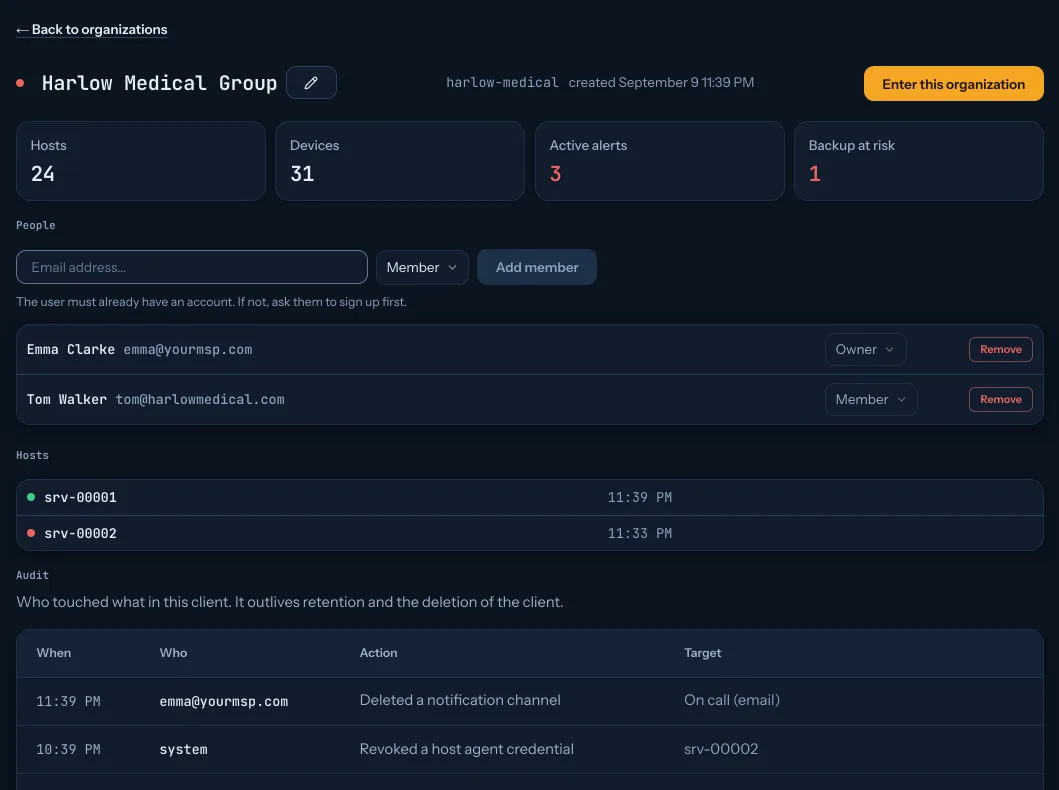
- Sergward gives each one a space with its own people, roles and audit log; compare that with groups and permissions.
Frequently asked questions
Why compare Sergward with free tools?
Because many MSPs start with them. The comparisons say what each free tool does well and where Sergward adds something.
How current are these comparisons?
Every fact about another product was read from its official site or repository on 14 October 2026, and each page links the source.
Is Sergward free?
During the beta, yes. After it, up to 10 machines are free; above 10, every machine is paid.
Join the waitlist
While the beta lasts we give access a few at a time, by hand. Leave your details and we will write to you.
- 1You leave your name and email.
- 2We write to give you access.
- 3You install the first agent.