Sergward vs PRTG
PRTG is a mature network monitoring product from Paessler, installed on a Windows server or hosted by Paessler with a probe in your network, and priced by sensors. Sergward is a cloud service for MSPs priced per monitored machine, with an agent for Linux, macOS and Windows, SNMP, Proxmox VE, websites and backups.
Free during the beta. Leave your details and we write to give you access.
- USD 200
- a month for PRTG 500, billed annually, about 50 devices
- 100
- sensors in PRTG's free edition
- 10
- machines free after Sergward's beta
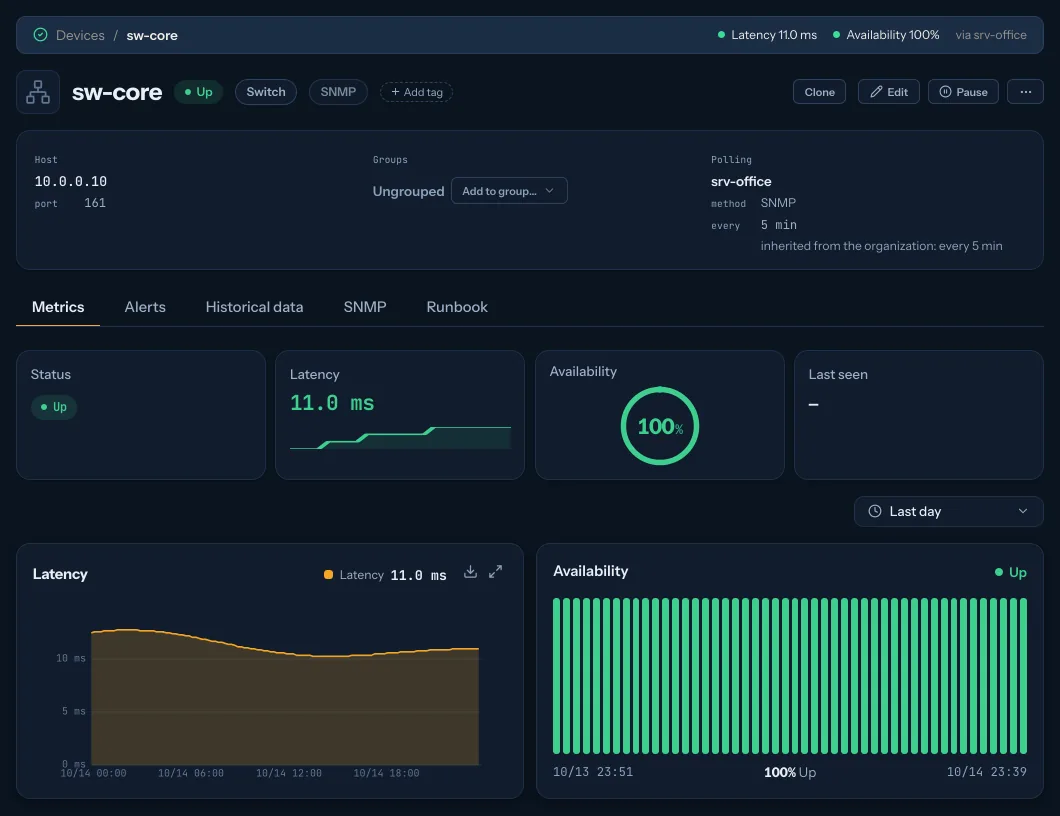
Side by side
Each PRTG fact is linked to its source, read on 14 October 2026.
| PRTG | Sergward | |
|---|---|---|
| Where it runs | A core server on Windows, or PRTG Hosted Monitor with at least one remote probe on your network[2][3] | In the cloud; you install only the agent |
| How it is priced | By sensors: PRTG 500, for about 50 devices, USD 200 a month billed annually[1] | Per monitored machine; websites and Proxmox VMs and containers do not count |
| Free option | Up to 100 sensors, about 10 devices[1] | Up to 10 machines after the beta, every feature |
| SNMP | A wide catalogue of SNMP sensors[2] | Discovery with fingerprints, templates, vendor MIB files, v1, v2c and v3 |
| Proxmox VE | Node, VM, container and cluster sensors[4] | Nodes, guests, storage, quorum, replication, ZFS, certificates, HA, twelve alerts |
| Proxmox backups | Not mentioned in those sensors' manual pages[4] | Each guest's last good vzdump backup, guests in no job, job result |
When PRTG is the better choice
If these matter more, PRTG has years of head start.
- A long sensor catalogue
- Its manual lists a long catalogue of sensor types for network gear, Windows and applications.
- You want it on your own Windows server
- PRTG Network Monitor runs on your infrastructure; Sergward runs only in the cloud.
- Maps and dashboards
- Network maps and dashboards are among its listed features.
- An edition for MSPs
- Paessler offers a PRTG MSP Edition.
When Sergward is the better choice
When you want a simple price and the whole customer in one place.
- A price you can predict
- Per machine, not per sensor: a server with fifty things measured counts once.
- Each server from inside
- The agent runs on every Linux, macOS or Windows server and reads it from inside.
- Proxmox and its backups
- Twelve built-in alerts and each guest's last backup.
- Backups, read from their files
- Backup folders, Windows Server Backup and Proxmox in one list.
Moving from PRTG
There is no importer. Start with the devices that cost you the most sensors.
- Install the Sergward agent on a server in the customer's network and approve it.
- Sweep the subnet: Sergward recognises switches, UPS units and printers and suggests what to read.
- Install the agent on the servers you watched with PRTG, and compare the alerts for a week.
Frequently asked questions
How is Sergward priced compared with PRTG's sensors?
Per monitored machine. During the beta nothing is charged; after it, up to 10 machines are free and every machine above that is paid, however many things you measure on it.
Do I need a Windows server for Sergward?
No. Sergward runs in the cloud, and the agent runs on Linux, macOS and Windows.
Does Sergward have as many sensor types?
No. It covers servers, SNMP devices, Proxmox, websites and backups; PRTG's catalogue is much wider.
Join the waitlist
While the beta lasts we give access a few at a time, by hand. Leave your details and we will write to you.
- 1You leave your name and email.
- 2We write to give you access.
- 3You install the first agent.