A Windows Server rarely fails all at once. A volume fills over weeks, a service that should start does not after an update, the backup stops one night. The checklist below covers what goes wrong most often on the servers an MSP looks after, with a threshold to start from and the PowerShell to look by hand.
The checklist
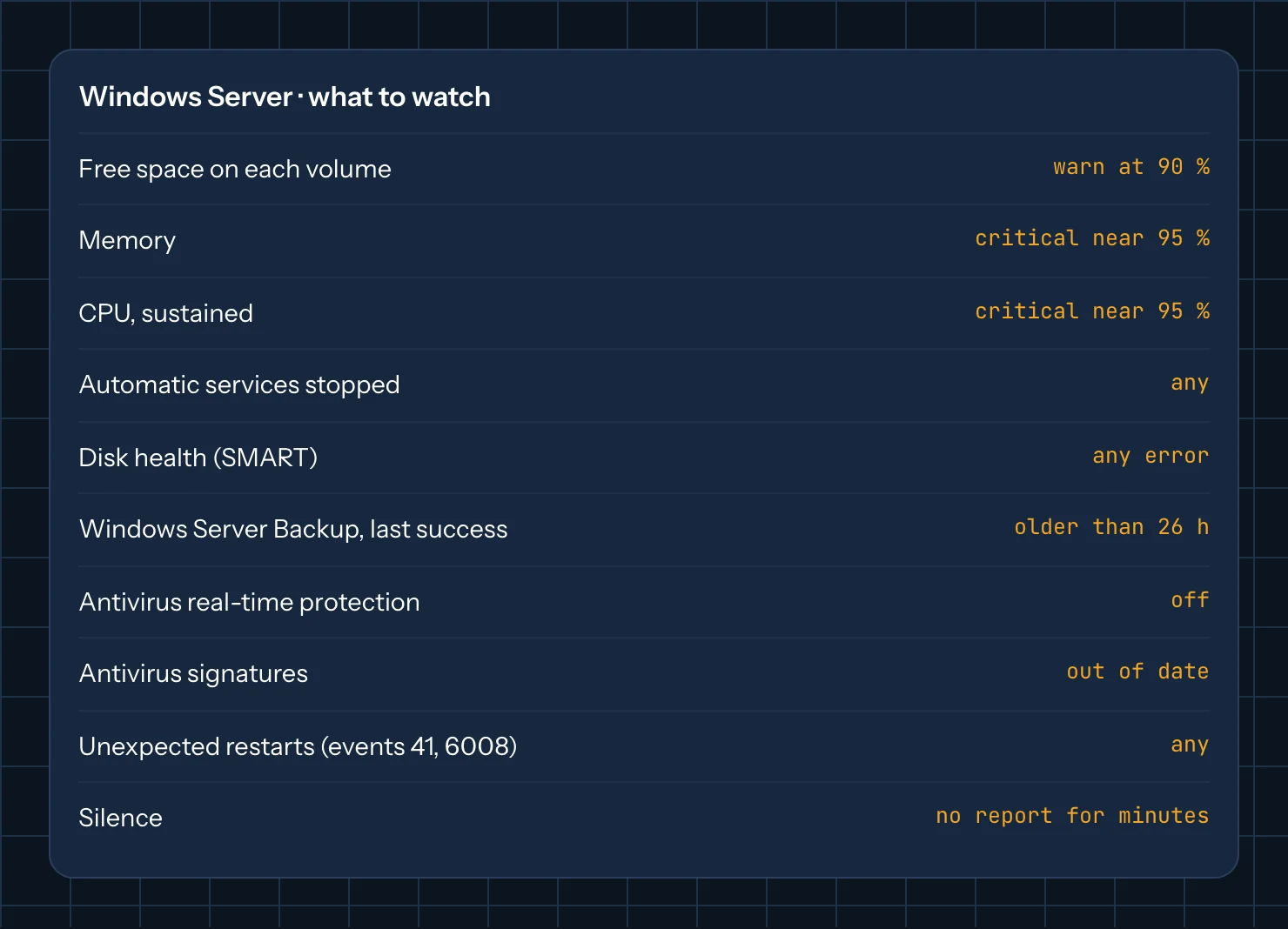
| What | Start from | Why |
|---|---|---|
| Free space on each volume | Warn at 90 % used | A full system or data volume stops services and backups |
| Memory | Look at the trend, critical near 95 % | Sustained pressure means paging and slow services |
| CPU | Critical when it stays near 95 % | A short peak is normal; minutes at the top are not |
| Automatic services that are stopped | Any | Updates and crashes leave them stopped |
| Disk health | Any reallocated or uncorrected sectors | A failing disk warns before it dies |
| Windows Server Backup | Last success older than the schedule plus a margin | A backup that stops makes no noise |
| Antivirus | Real-time protection off, or old signatures | The shield on with old definitions protects little |
| Unexpected restarts | Any | Power and hardware problems show up here first |
| Silence | No report for a few minutes | A server that stops reporting is a failure, not a gap |
Check each item by hand
Free space on each volume
Get-Volume | Where-Object DriveLetter | Select-Object DriveLetter, FileSystemLabel, SizeRemaining, SizeMemory and CPU
Get-Counter '\Memory\Available MBytes'
Get-Counter '\Processor(_Total)\% Processor Time' -SampleInterval 5 -MaxSamples 3
One reading says little. Compare against the same hour on other days before calling it a problem.
Automatic services that are stopped
Get-CimInstance Win32_Service -Filter "StartMode='Auto' AND State<>'Running'" | Select-Object Name, DisplayName, StateSome automatic services stop on purpose once their work is done. Keep a short list of the ones that matter on each server and alert on those.
Disk health
Get-PhysicalDisk | Get-StorageReliabilityCounter | Select-Object DeviceId, Temperature, Wear, ReadErrorsUncorrectedWindows Server Backup
Get-WBSummary | Select-Object LastSuccessfulBackupTime, LastBackupResultHR, NextBackupTime
wbadmin get versions
LastSuccessfulBackupTime is the one to alert on: a nightly backup whose last success is more than about 26 hours old missed a night.
Antivirus
For Microsoft Defender:
Get-MpComputerStatus | Select-Object RealTimeProtectionEnabled, AntivirusSignatureAgeUnexpected restarts
Event ID 41 (Kernel-Power) and 6008 in the System log record shutdowns that were not clean:
Get-WinEvent -FilterHashtable @{ LogName = 'System'; Id = 41, 6008 } -MaxEvents 10
(Get-CimInstance Win32_OperatingSystem).LastBootUpTime
Silence
This one cannot be checked from the server itself: if it is down, nothing on it runs. Something outside has to notice that it stopped reporting.
What changes when you look after many customers
Running these by hand works for one server. For forty servers across twelve customers, the same checks have to run on their own, keep their history to compare against, and send one alert to the right person instead of forty emails. Two details matter more than the thresholds: an alert when a server goes quiet, and maintenance windows, so that a planned restart does not wake anyone.
How Sergward helps
Sergward’s agent runs on Windows Server and reports CPU, memory, every volume, the physical disks with their SMART health, network traffic, processes and the services it finds on the machine, plus its hardware and software inventory. It reads what Windows Server Backup reports about its last run. Through WMI it can also read the antivirus state Windows reports and alert when real-time protection is off or the signatures are out of date. A server that stops reporting raises an alert, and recurring maintenance windows keep planned restarts quiet.
Thresholds come set (90 % for disks, 95 % for memory and CPU) and can be changed for everything, per tag or per server.
Sources, read on 15 October 2026
- Microsoft Learn: Get-Volume
- Microsoft Learn: Get-Counter
- Microsoft Learn: Win32_Service class
- Microsoft Learn: Get-StorageReliabilityCounter
- Microsoft Learn: Get-WBSummary
- Microsoft Learn: Get-MpComputerStatus
- Microsoft Learn: Get-WinEvent
Frequently asked questions
What should I monitor on a Windows Server first?
Free space on each volume, the automatic services that are stopped, Windows Server Backup's last successful run and whether the server is still reporting. Those four explain most of the calls.
What is a good disk space threshold?
Warn at 90 % used on each volume and look at the trend: a volume growing 1 % a day has ten days left, whatever the threshold says.
How do I see unexpected restarts on Windows?
Look for event ID 41 (Kernel-Power) and 6008 in the System log; Get-WinEvent can filter both.
Do I need an agent to monitor Windows Server?
Not for everything: WMI answers many questions remotely. An agent on the server sees more and needs no inbound port.